


GreenLight View menu overview
Preview cover artwork in InDesign and get quick links to view and share with MasterPlan users
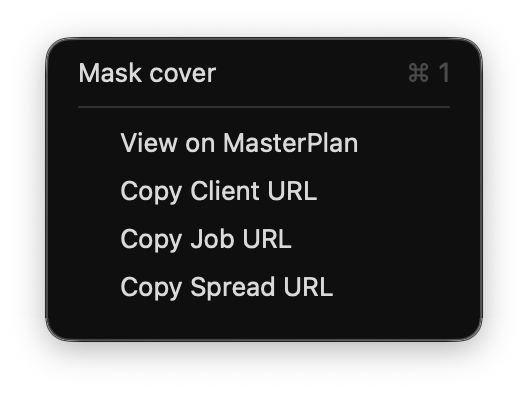
Mask Cover
Quickly isolate a full screen preview of the front cover, or any selected section (e.g. the spine), of a GreenLight created cover
Note: The following commands require a connection to MasterPlan. For more info see Connecting GreenLight to a MasterPlan Client.
View on MasterPlan
Open the MasterPlan job for the active InDesign document in Job Admin mode
Copy Client / Job / Spread URL
Copy a direct link to all jobs on the client page, the active job or the current spread to share with colleagues


