


Adding a Case Material reference
GreenLight can confirm the choice of material to use for hard backed books in the GreenLight Info panel
Typically a hard backed book has a printed paper jacket which is wrapped around the main case bound book. The case is the printer's term for the cover boards and spine which is then wrapped in a material from a wide choice of papers, cloths or other substrates.
This article explains how to add a Case Material reference to an existing GreenLight cover. To create a cover, see the tutorial Creating print ready covers to publisher specs

With hundreds of different textured and coloured case materials available, it makes sense to stipulate the precise option to be used for design, production and print suppliers. Where the print supplier is known, a list of their case materials can be chosen from. Otherwise a reference can be manually added instead.
The choice of case material does not affect the artwork. It is simply a reference added to the Case options section of the GreenLight Cover Info panel.
The case material choice therefore only applies to jackets as other types of binding – e.g. paperback or PLC – have no case options.
To add a Case Material reference:
- With the Jacket document created by GreenLight open, choose GreenLight Create menu > Add Case Material reference
- Either select an option from the list shown or choose Enter a Reference to enter manually (see step 3)
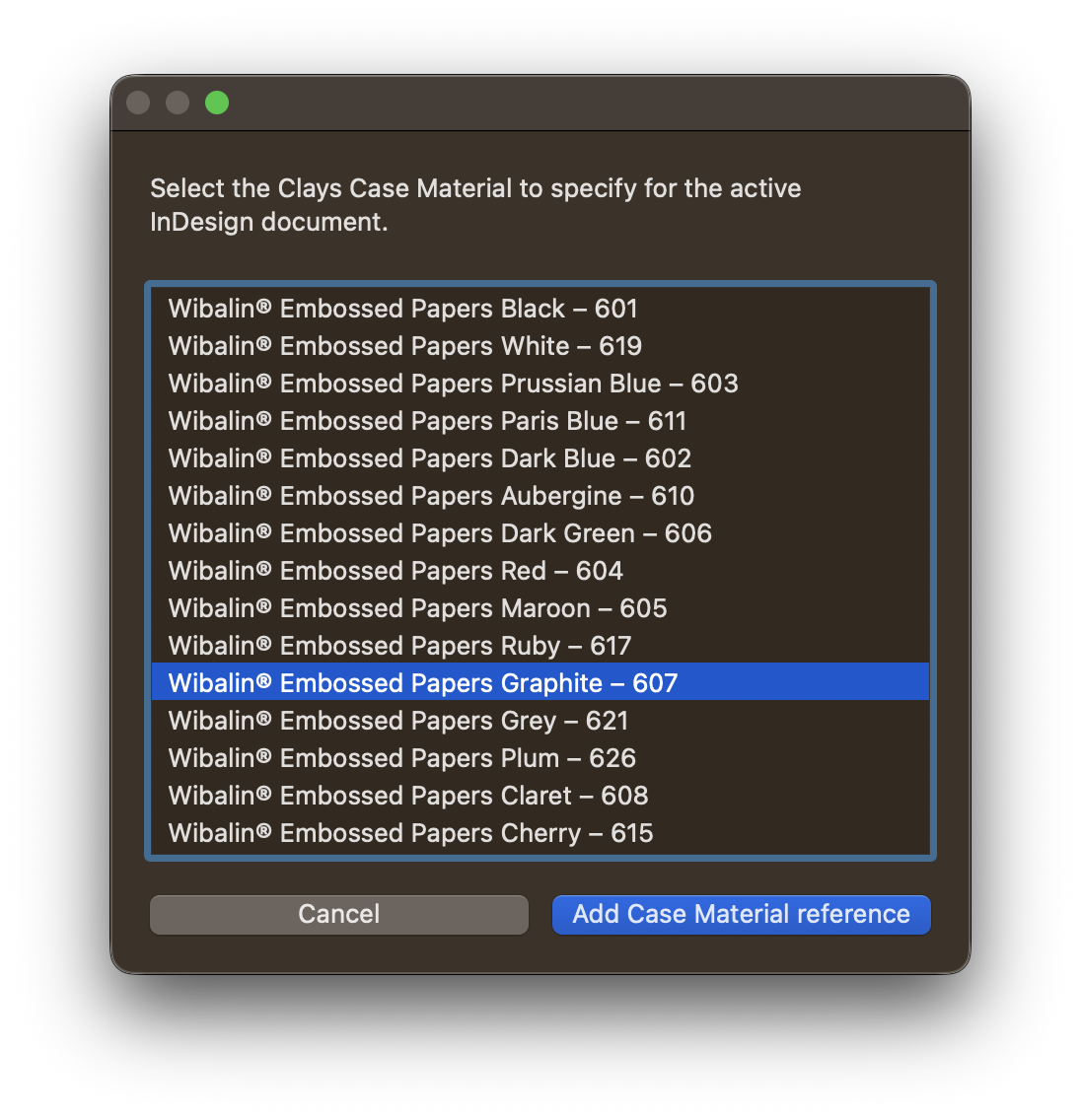
- Click Add Case Material reference
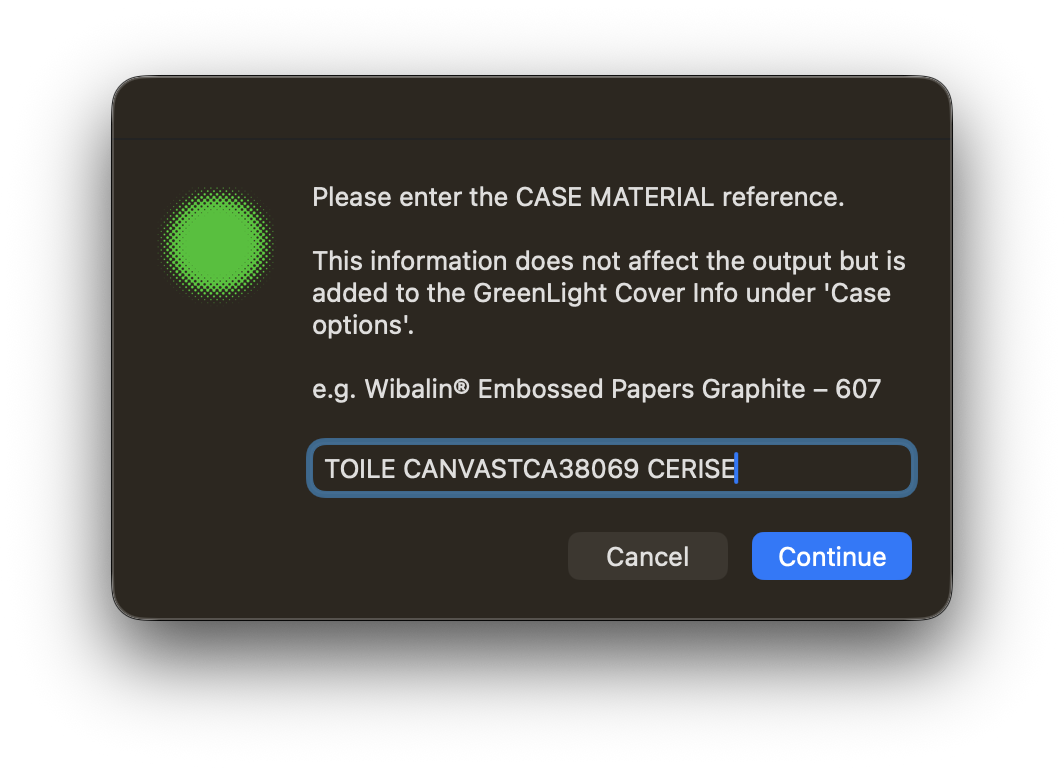
If Enter a Reference was selected in Step 2, a dialog to manually enter the reference is shown. Copying and pasting is recommended!
- The chosen case material reference is written to the GreenLight Cover Info panel
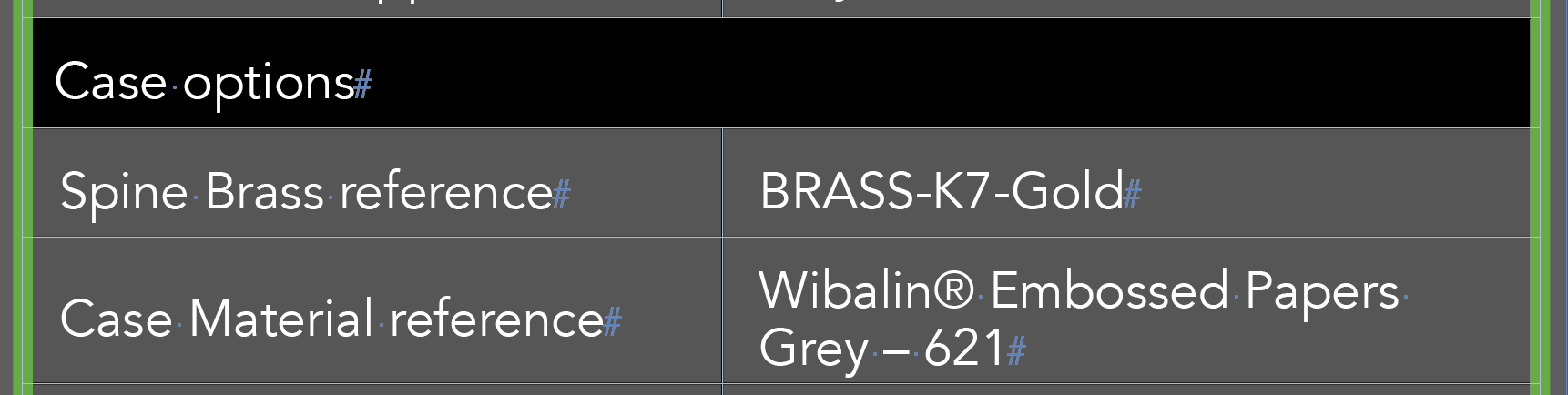
The case material is typically combined with a spine brass, a foil printed onto the case. The spine brass is added by choosing GreenLight Create menu > Add Special Finishes. See the Adding special finishes article for more info.


