Delete hidden text layer items
Remove all hidden items from InDesign TEXT layers
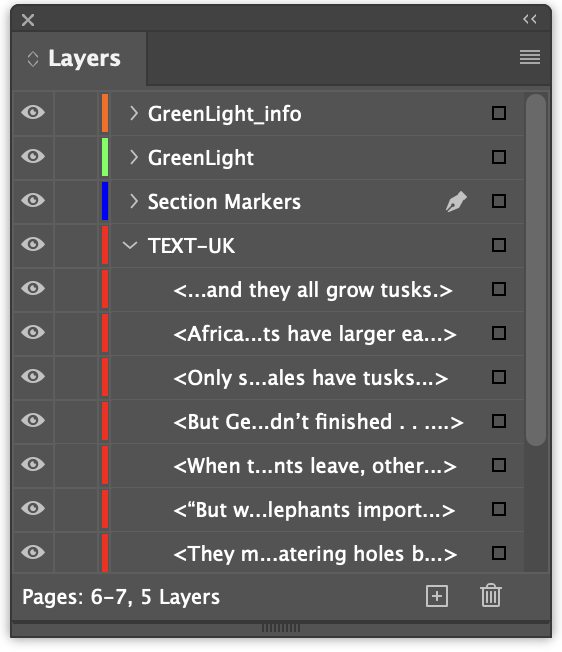
InDesign items can have their visibility switched off with InDesign Object menu > Hide or via the Layers panel by clicking the eye icon.
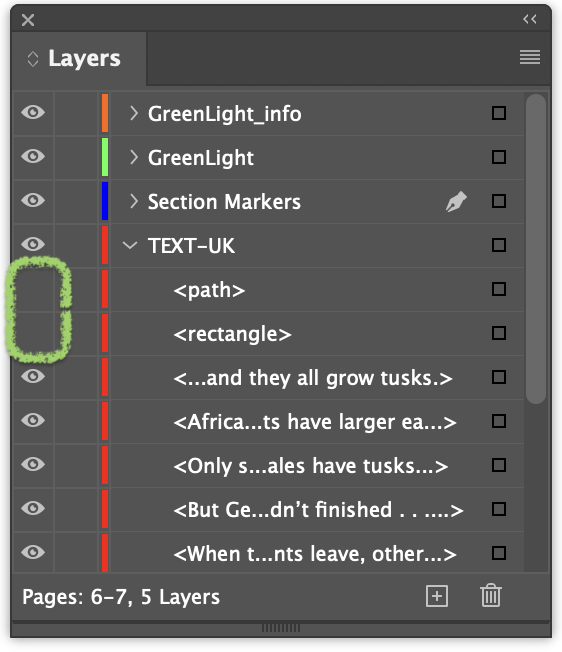
Whilst hidden items will not be exported, GreenLight will still check them for correct co-edition setup and flag any issues found.
To avoid the presence of unnecessary and potentially problematic hidden item, the GreenLight Co-Editon Tools panel > Delete hidden text layer items tool quickly deletes any hidden objects on the TEXT layer of the current document and a confirmation message is shown.