Adding special finishes
GreenLight can quickly and accurately create the required layers and swatches for one or more print special finishes.
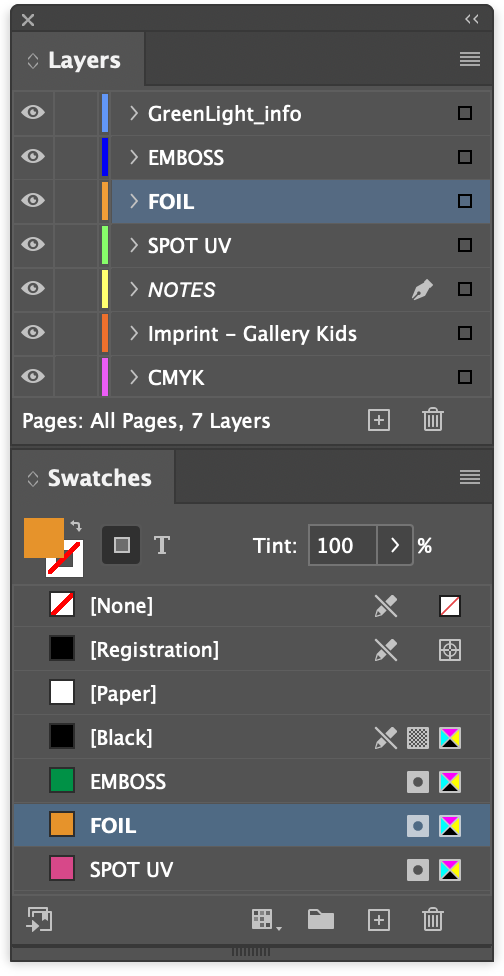
Special finishes are extra design embellishments often used on book covers including foils, embossing, diecutting and varnishes. They are represented in InDesign by the use of spot colour swatches on dedicated layers of the same name.
Special finish layers are individually checked and exported as Print ready PDFs to publisher requirements.
The option Add Special Finishes is offered when creating new covers via GreenLight Create menu > Create Cover and an additional dialog is shown where the finish(es) can be chosen.
See the step-by-step tutorial Creating print ready covers to publisher specs for more on starting new cover documents
Altenatively, special finishes can be introduced to a document at any time by choosing GreenLight Create menu > Add Special Finishes.
Selecting special finishes
On opting to add special finishes, a dialog is shown to choose one or more special finishes by name.

- Click to select a single special finish.
Hold down the Command (⌘) key to select multiple finishes. - Click Add Special Finishes
- If choosing FOIL or BRASS then an additional dialog is shown to choose either a generic FOIL, a specific foil reference, e.g. FOIL-SILVER, or to enter a custom reference.
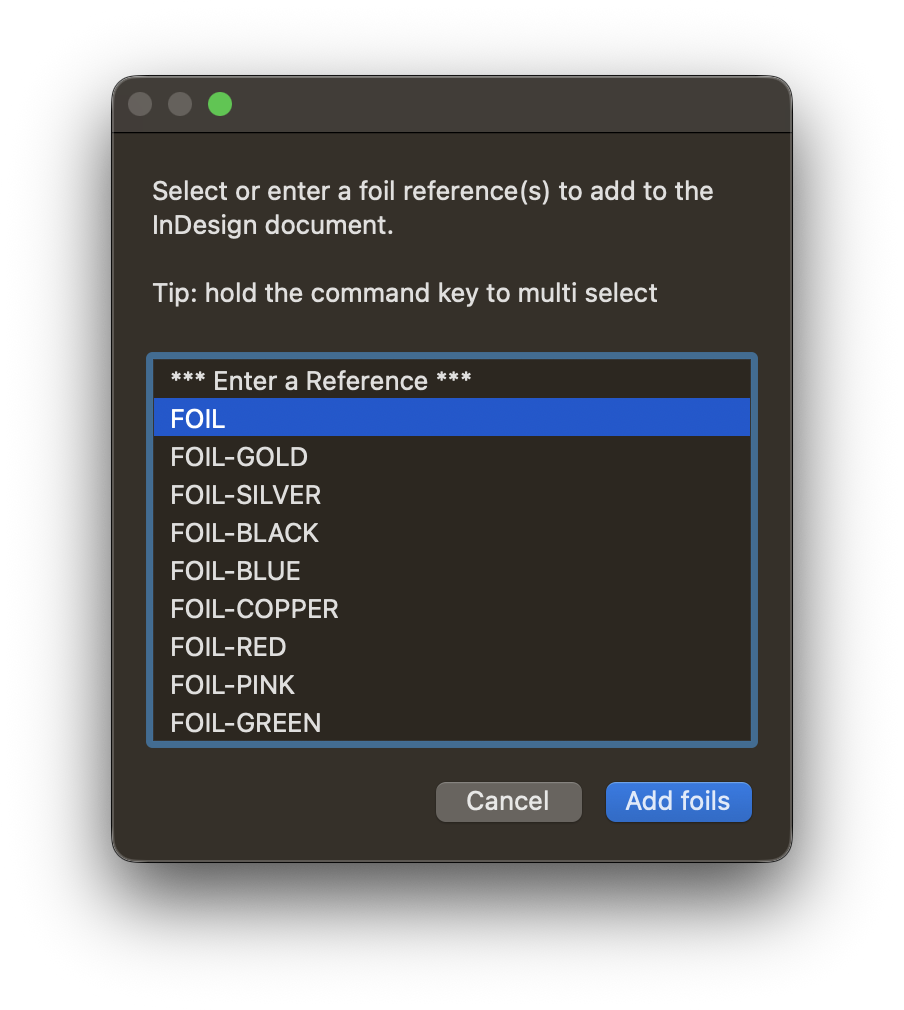
- If the required foil reference is not available then select Enter a Reference to enter a custom foil reference in the following dialog.
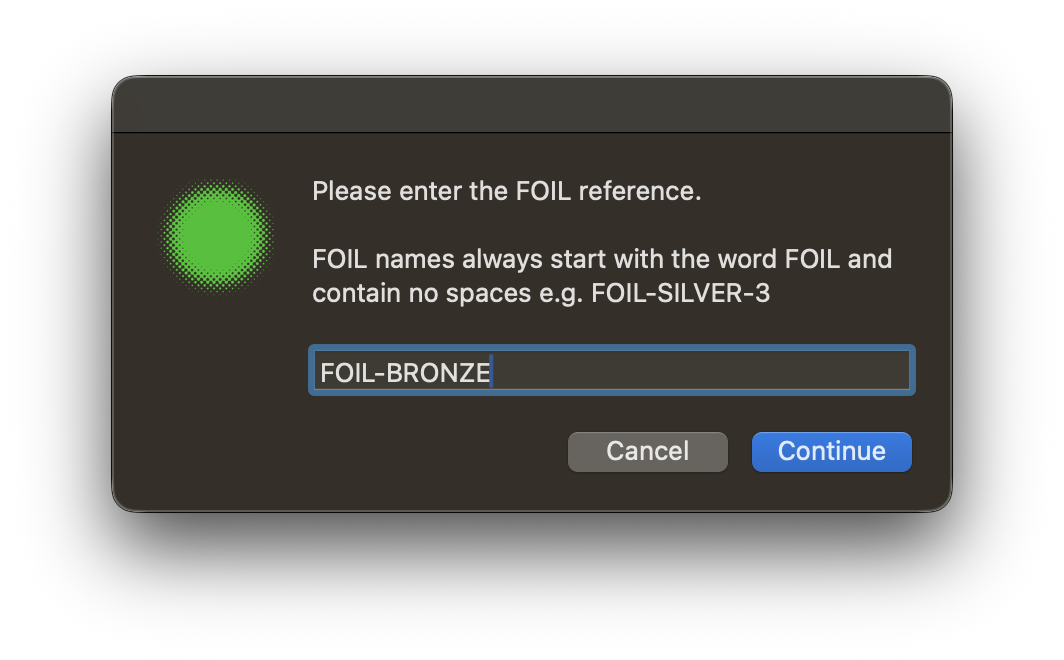
- The chosen finishes are added to the active document as named layers and swatches ready to be applied.