


Jacket text is within safe-zone
This check verifies whether text on the jacket is inside a ‘safe area’ within the page.
GreenLight generates cover documents of individual correctly sized InDesign pages arranged as spreads.
Multiple pages for each part of the cover or jacket – e.g. front and back covers, spine and flaps – are arranged together in an InDesign spread with the requisite bleed.
For jackets and covers in particular, certain objects are deemed to be critical such as the price, imprint logos and barcode so these must not be compromised by incorrect postioning, e.g. a barcode too near a fold may become unreadable or embossed elements too near the trim edge may be unachievable.
By making sure all artwork is inside a ‘safe-zone’ we can be confident that none of it will be too close to the page edge or fold.
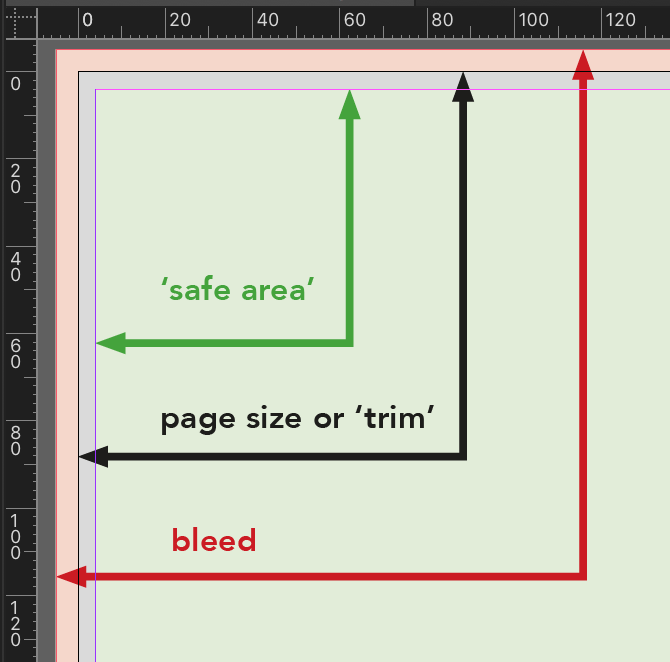
This GreenLight check recognises the different requirements for each part of a cover and content type and will flag artwork that is not within a safe-zone of:
- 4 mm from the trim edge
- 1.5 mm from the spine fold
- a spine's gutter area for hard cased books


