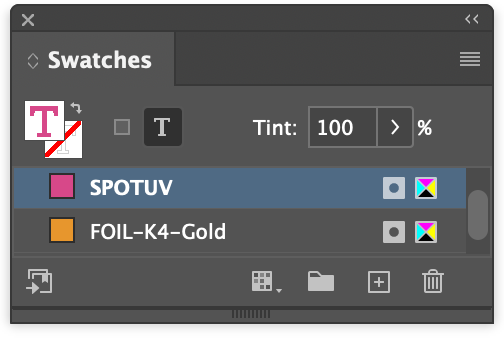
Special finishes are layered and solid
Checking that all objects on special finish layers use a solid spot colour swatch of the same name.
This GreenLight check makes sure that all special finish spot colours are on special finish layers of the same name and are set as 100% solid.
The use of spot colours and layers for special finishes is the method used to separate special finishes e.g. FOIL, SPOT UV or EMBOSS away from the printed CMYK inks and any spot inks e.g. PANTONE.
Special finishes are not applied as inks and there is no ability to have less than 100% of a special finish. e.g. A gold foil is either 100% solid or not there at all. Using lighter tints of anything less than 100% of a special finish colour in output final files can cause confusion and delays.
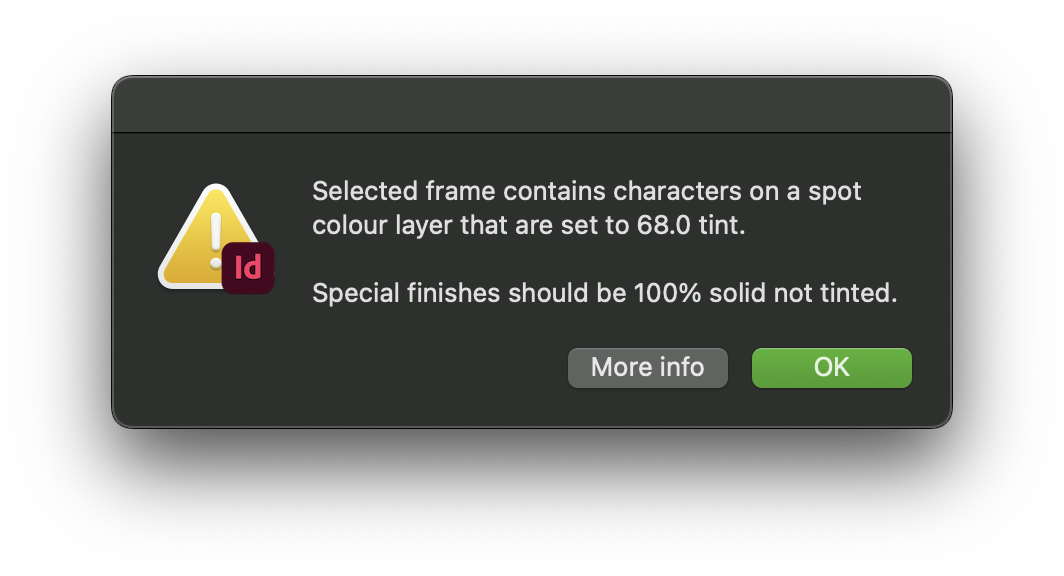
If a tint, an amount of ink less than 100%, is set for artwork or text on a special finish layer, the object is selected on the InDesign page and alert is shown.
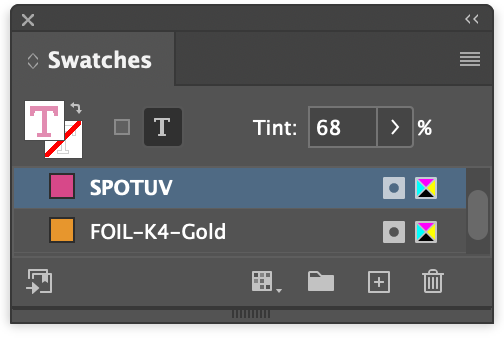
With the objects or text selected, increase the tint amount to 100% solid and run the check again. For text the tint may also affect the stroke as well as the fill.