


Swap foil reference
GreenLight can quickly and accurately swap from one foil reference to another.
Foil references indicate the foil colour to apply in the production of printed books or for simulation e.g. for use in ShowCase or in marketing.
It may be necessary to change from one foil reference to another due to design or production considerations. If so, GreenLight can be used to switch to a new foil reference quickly and accurately.
To learn more on adding foils, see the step-by-step tutorial Creating print ready covers to publisher specs.
Swap a foil reference
- Choose GreenLight Create menu > Swap Foil reference
- The foil reference is confirmed at the top of the dialog.
(If more than one foil is present in the document, an option to select from a list is presented)
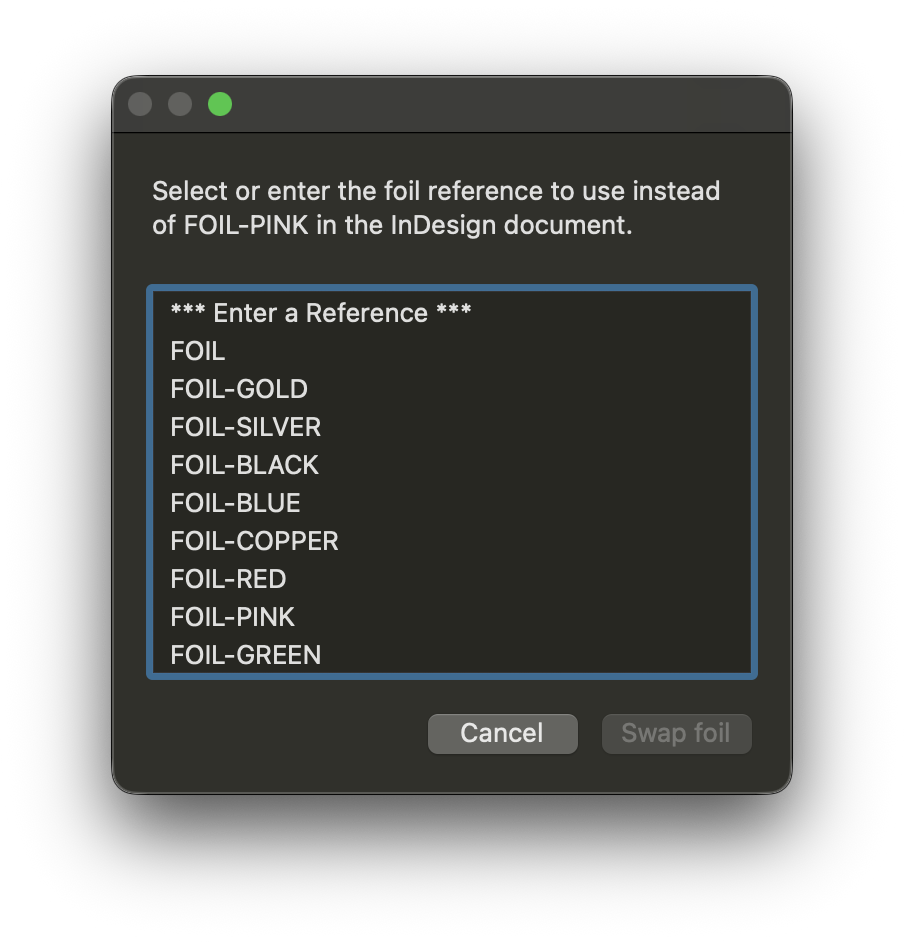
- Select the foil reference to swap to or to Enter a Reference
- Click Swap Foil
- If choosing to Enter a Reference then type the new foil reference in the following dialog and click Continue
The previous layer name and swatch are swapped to the new foil reference and the GreenLight Info panel's information is updated.


