


For GreenLight Custom Users only, this check determines whether the price stated on the book’s cover artwork matches the information in the Book Info Panel.
Book Info, which can be retrieved from a publisher's bibliographic database on creation of new files, is shown in the Book Info Panel on the pasteboard to the left of the first spread.
Book Info can also be amended by choosing GreenLight menu > Add / Amend Book Info.
Data in the Book Info Panel is live and can be amending directly in the panel or with the Add / Amend Book Info command.
GreenLight can pull in data from a publishing client's database when creating new documents and artwork. This is a valuable way to save time and increase accuracy by starting new documents according to their required production specs.
As there is a possibility that data on the database may have changed after the inital creation, this check refetches the live data and compares it with the info panel to ensure that the file and database match and in sync.
GreenLight can pull in data from a publishing client's database when creating new documents and artwork. This is a valuable way to save time and increase accuracy by starting new documents according to their required production specs.
As there is a possibility that data on the database may have changed after the inital creation, this check refetches the live data and compares it with the info panel to ensure that the file and database match and in sync.
If exceptions are found the user can make expections using the GreenLight Set-Up menu. See Making and Removing Exceptions for more.
GreenLight can pull in data from a publishing client's database when creating new documents and artwork. This is a valuable way to save time and increase accuracy by starting new documents according to their required production specs.
As there is a possibility that data on the database may have changed after the inital creation, this check refetches the live data and compares it with the info panel to ensure that the file and database match and in sync.
GreenLight can pull in data from a publishing client's database when creating new documents and artwork. This is a valuable way to save time and increase accuracy by starting new documents according to their required production specs.
As there is a possibility that data on the database may have changed after the inital creation, this check refetches the live data and compares it with the info panel to ensure that the file and database match and in sync.
If exceptions are found the user can make expections using the GreenLight Set-Up menu. See Making and Removing Exceptions for more.
GreenLight can pull data from Bibliographic systems such as Biblio, Firebrand or ONIX to help create artwork and keep it in sync with production specs and sales requirements such as pricing.
When connecting to Virtusales BiblioSuite API GreenLight accesses this via an Edition ID which is linked to the ISBN.
If the Editon ID is not available to GreenLight then an alert is shown with an offer to go to BiblioSuite to quickly retrieve the Edition ID and continue.
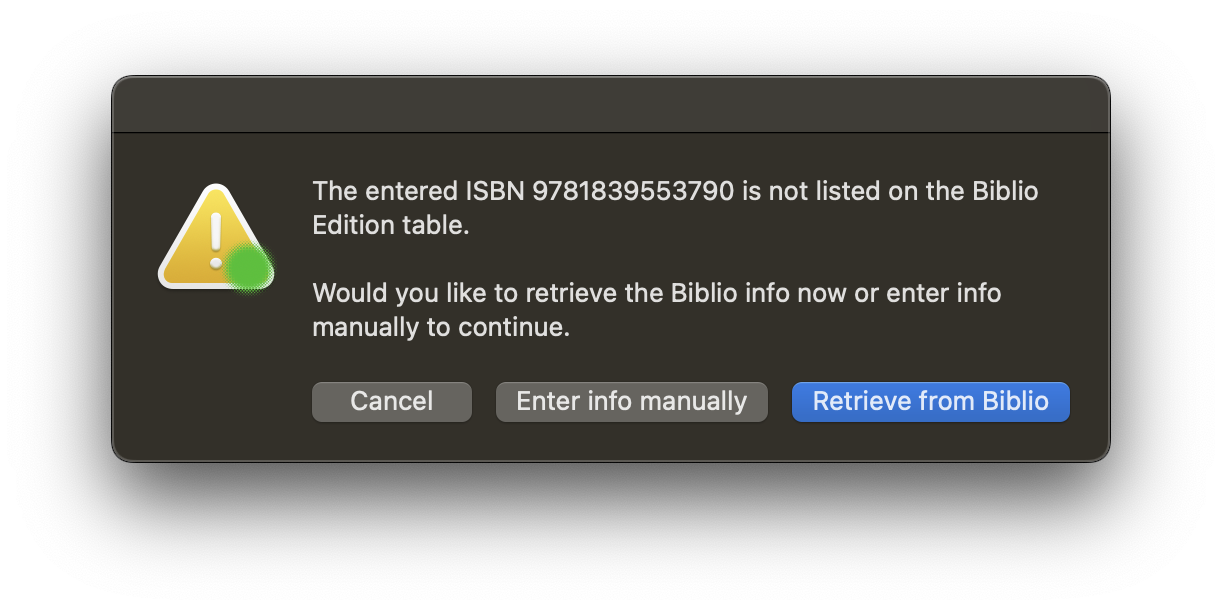
Choose Retrieve from Biblio to open a BiblioSuite page in your browser at the relevant Edition / General ISBN page.
Login to BiblioSuite if required, and make sure the page is the correct Edition / General page.
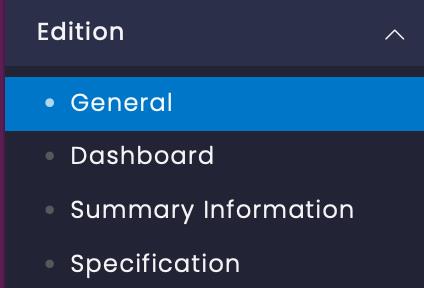
Copy the full URL from the browser address bar

With the Biblio Edition General URL number copied, paste the into the GreenLight dialog (shown with the Finder app to allow pasting) and choose Edition > General URL added to continue.
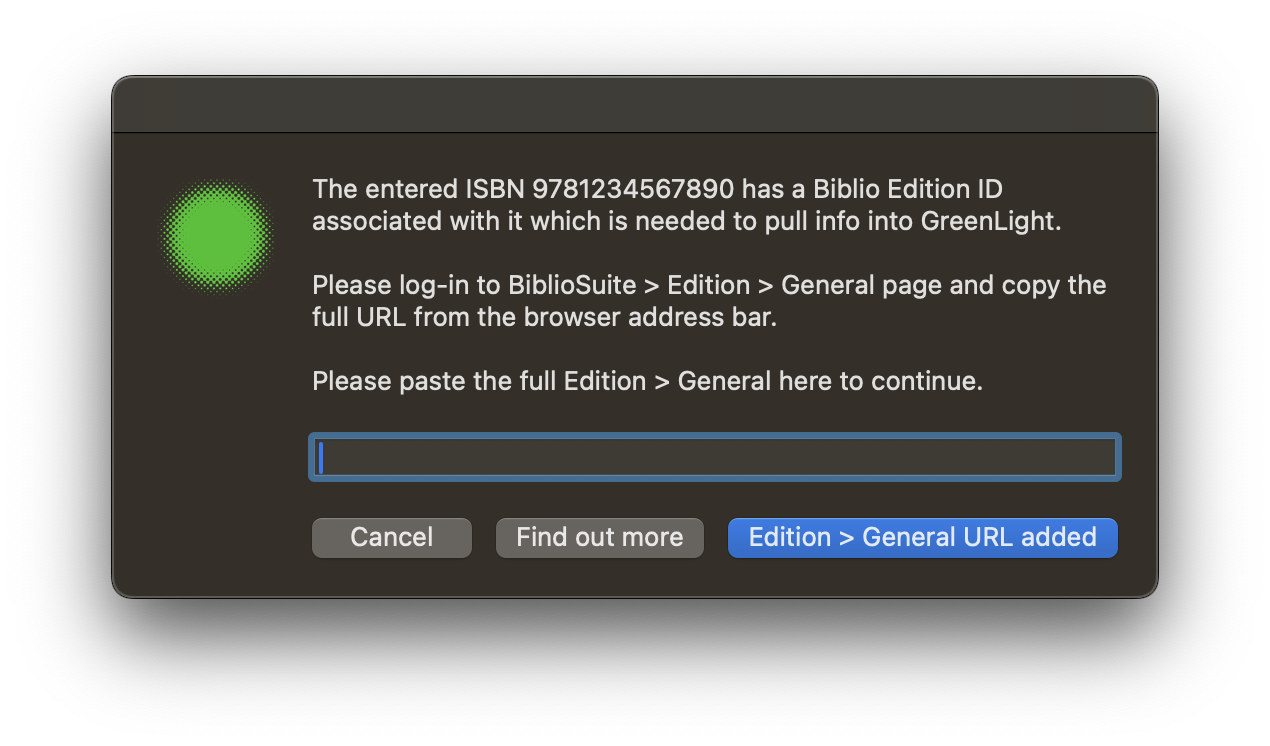
The entered Edition ID number is then processed and the GreenLight process will then continue as expcected.
If there is an issue with the Edition number an alert is shown.


