


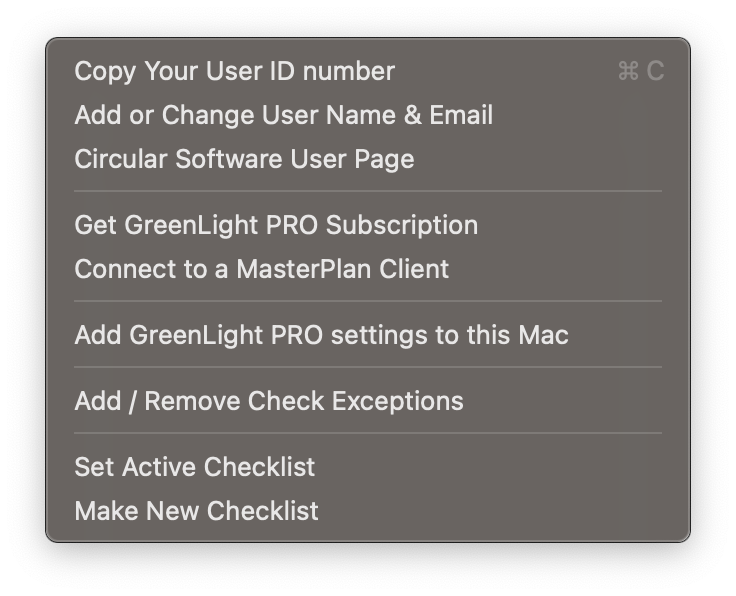
This number (from the Mac hardware) is used when registering to control the licensing of Circular Software on launch
To view or change the registered user name and email associated with the User ID
Linking to a page which confirms version numbers of Circular Software, Adobe InDesign and macOS and relevant links to updates, tutorials, and client info
Upgrade GreenLight FREE to GreenLight PRO for more features such as those for co-edtion publishing. See Which GreenLight is right for me?
Both GreenLight FREE and PRO users can upload content from InDesign when linked to a MasterPlan client. GreenLight Custom users are already linked to their client.
Add the required presets and settings files to your Mac. These are installed the first time GreenLight is launched and can be re-added here if necessary.
Some checks may not be strictly required for successful production. In this case, selected checks may have an exception allowed.
Both GreenLight FREE and PRO users can select which checklist to use when checking a document. GreenLight Custom users switch to the most relevant checklist based on their document naming.
GreenLight PRO users can create new checklists to share with other users using this form


